Skip to content
State of XR in Simulation Training 2026
Download Report
Varjo
  • Products
    • Hardware
    • XR-4 Series
      XR-4 Series Range
    • Integrated XR System
    • Accessories
      Accessories for Varjo XR-4 Series headsets
    • Book a Live Demo
    • Software
    • Varjo Base
    • Compatible Software
    • Professional Services
    • Varjo Alpha
  • Use Cases
    • Air
    • Land
    • Sea
    • Other
  • Company
    • About Us
    • Newsroom
    • Jobs
  • Resources
    • Varjo Insider Blog
    • Case Studies
    • E-Books and Whitepapers
    • Product Book
    • Book a Live Demo
  • Support
    • Help Center
    • Contact Support
    • Account Portal
    • System Requirements
  • Talk to sales
Varjo Achieves ISO/IEC 27001:2022 Certification

Get the Best Performance from Your XR-4 Series Headset

The Varjo XR-4 Series is built to run smoothly on today’s high-end workstations and laptops . The specifications and computers listed below are what we recommend to make sure you get the most out of your headset in the most demanding use cases.

Depending on your application and workflow, your exact needs may vary. For more detailed requirements tailored to your use case, or to see if your existing computer is compatible with the XR-4 Series, visit our Help Center.

Recommended Specifications

The recommended desktop specifications are designed for the most demanding real-time rendering and mixed reality workloads at native XR-4 resolution with the full feature set enabled, including depth occlusion, pass-through MR, and advanced shading. These configurations are intended for high-end simulation and other graphics-intensive use cases such as flight simulators, image generators, complex design reviews, and product configurators. Lighter desktop configurations may work depending on the use case — for tiered XR-4 system requirements, see the Help Center.

The recommended laptop specifications are intended for lighter workloads. Laptops are best suited for applications with limited graphics complexity, such as light enterprise training, eye-tracking analysis, 360° viewers, and onboarding experiences. Laptop GPUs with the same name as desktop GPUs deliver lower performance due to reduced Total Graphics Power (TGP), thermal limits, and smaller memory configurations, so we recommend laptops that allow the maximum TGP supported by the specified NVIDIA GPUs.


Desktop Laptop
High-end simulation and other demanding use cases that require intensive rendering of large datasets, for example flight simulators, image generators, complex design model reviews, and product configurators. Light graphics rendering and environmental details, for example, light enterprise training applications, eye tracking analysis applications, 360° viewers, and onboarding tutorials.
Processor (CPU)

High-end 24–64 core workstation or enthusiast CPU

Intel Core Ultra 9 285K
4th Gen Intel Xeon w9-3495X
AMD Ryzen 9 9950X3D

Intel Core 9 275HX
AMD Ryzen 9 9955HX

Chipset

Chipset that supports high-throughput USB connectivity with multiple IN transactions.

Intel chipsets with USB multiple INs support:
600 series, 700 series, 800 series

See list of all compatible Intel and AMD chipsets.

Alternatively, required multiple INs support can be achieved with a compatible PCIe expansion card.

Chipset that supports high-throughput USB connectivity with multiple IN transactions.

Intel chipsets with USB multiple INs support:
600 series, 700 series, 800 series

See list of all compatible Intel and AMD chipsets.

Memory (RAM) 64 GB 32 GB
Graphics card (GPU)

NVIDIA RTX Pro 6000 Blackwell Workstation Edition

NVIDIA GeForce RTX 5090

Note: AMD graphics cards are not supported.

NVIDIA GeForce RTX 5090 Laptop (150W TGP + 25W Dynamic Boost)

NVIDIA PRO 5000 Laptop (150W TGP + 25W Dynamic Boost)

Note: AMD graphics cards are not supported.

Storage space 3 GB (required to install Varjo Base) 3 GB (required to install Varjo Base)
Video output 1 x DisplayPort 1.4 or newer

1 x DisplayPort 1.4 or newer

1 x USB-C to DisplayPort adapter
or 1 x Mini DisplayPort to DisplayPort adapter

The adapter must support 8k video and DisplayPort 1.4 or newer with Display Stream Compression (DSC), and must be connected to a port that is routed directly to the dedicated NVIDIA GPU. If using a USB-C to DisplayPort adapter, the port must also include support for Alternate Mode.

See the list of verified USB-C to DisplayPort adapters for more information.

USB connectivity

1 x USB-C that supports USB 10Gbps or higher

The USB port must be directly connected to the chipset. Alternatively, required USB connectivity can be achieved with a compatible PCIe expansion card.

1 x USB-C that supports USB 10Gbps or higher

The USB port must be directly connected to the chipset.

Operating system Windows 10 (64-bit)
Windows 11
Windows 10 (64-bit)
Windows 11
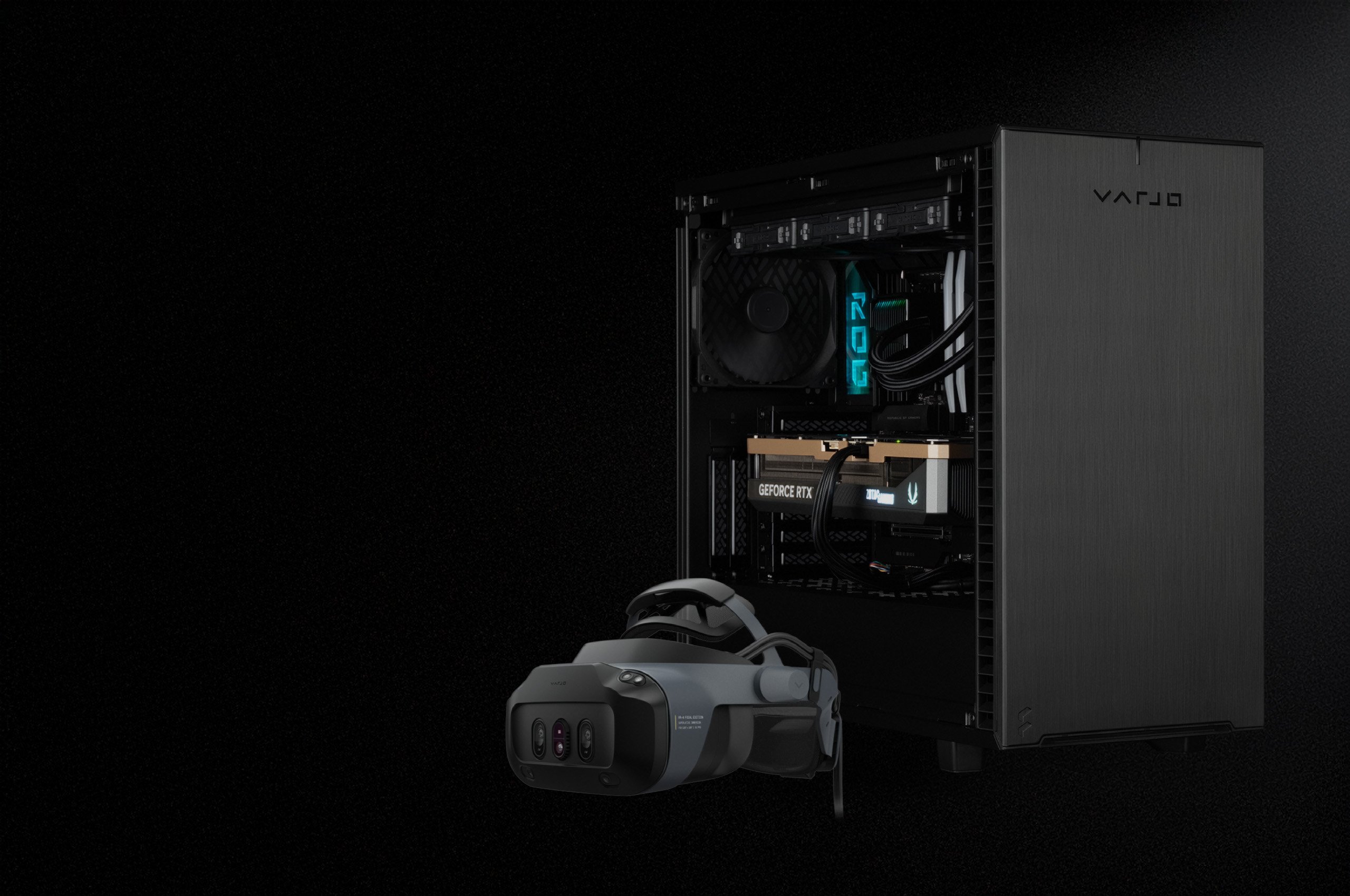
Integrated XR Station Hero

Varjo Integrated XR System

Supported. Certified. Ready on arrival.

Reduce IT workload, avoid compatibility issues, and get teams up and running with a ready-to-use setup that has been extensively tested to provide optimal performance.​

Sold through Varjo, the Integrated XR System simplifies procurement and deployment by bundling the Varjo XR-4 Series headsets with a fully certified XR workstation, Varjo Base Pro software, and relevant accessories and support.

Integrated XR System

Varjo-Ready Computers

Varjo works together with industry-leading manufacturers to test and certify a suite of computers to make sure they're compatible with XR/VR. Each recommended computer goes through extensive testing to make sure it provides optimal performance with Varjo headsets. Testing is ongoing and new computers are added as they pass the requirements.
PC type
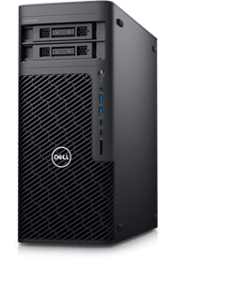
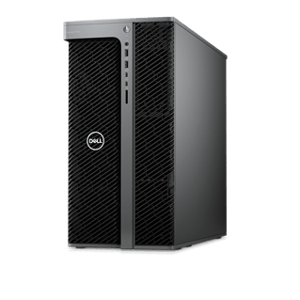
Dell Pro Max Tower T2 Desktop
dell-PC

CPU: Intel Core Ultra 9 285K 
Motherboard: Dell Inc. 02RY37 
Memory: 128 GB 
GPU: NVIDIA RTX PRO 6000 Blackwell Workstation Edition 


For the tested software configuration, see Help Center.


Varjo XR Station - US version
Branded IXS US Chassis (1)

CPU: AMD Ryzen 9 9950X3D 
Motherboard: ASUSTeK COMPUTER INC. ROG CROSSHAIR X870E HERO 
Memory: 96 GB 
GPU: NVIDIA GeForce RTX 5090 

For the tested software configuration, see Help Center.
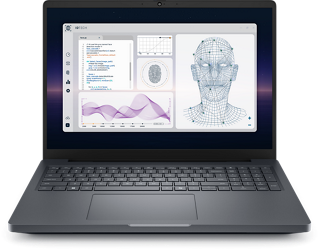
Dell Pro Max 16 Plus Laptop
dell-pro-max-mb16250nt-laptop-c-15000ff105-bk-319x319

CPU: Intel Core Ultra 9 285K 
Motherboard: Dell Inc. 075R9G  
Memory: 64 GB 
GPU: NVIDIA RTX PRO 5000 Blackwell Generation Laptop GPU 

For the tested software configuration, see Help Center.

HP ZBook FuryG1i 18 Mobile Workstation PC
HP ZBook Laptop

CPU: Intel Core Ultra 7 265HX 
Motherboard: HP 8DE3  
Memory: 32 GB 
GPU: NVIDIA RTX PRO 5000 Blackwell Generation Laptop GPU 

For the tested software configuration, see Help Center.
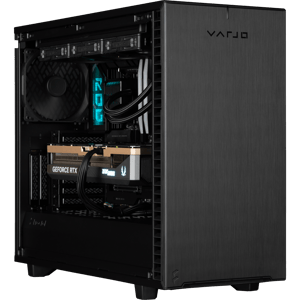
Varjo XR Station - EU Version
Varjo XR Station Desktop

CPU: AMD Ryzen 9 9950X3D 
Motherboard: ASUSTeK COMPUTER INC. ROG CROSSHAIR X870E HERO 
Memory: 96 GB 
GPU: NVIDIA GeForce RTX 5090 

For the tested software configuration, see Help Center.

Varjo XR Station Mobile (EU)

CPU: Intel Core Ultra 9 275HX 
Motherboard: NB02 X6AR5xxY  
Memory: 96 GB 
GPU: NVIDIA GeForce RTX 5090 Laptop GPU 

For the tested software configuration, see Help Center.
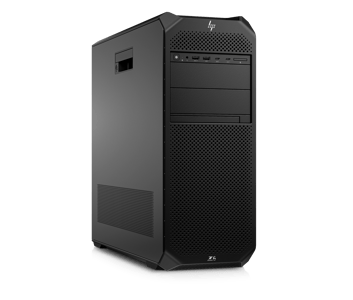
No results found.

Still not sure?

Reach out to our sales team to figure out if your existing PC is supported and how to get optimally set up for VR/XR. 

TALK TO SALES
varjo-logo-white
  • Company
    • About Us
    • News
    • Blog
    • Media
    • Jobs
    • Case Studies
    • Legal
  • Products
    • Varjo XR-4 Series
    • Varjo XR-4 Secure Edition
    • Accessories
    • Varjo Base
    • Professional Services
    • Teleport by Varjo
  • Support
    • Help Center
    • System Requirements
    • Compatible Software
    • Find a Reseller
    • Setup Guide
    • Developers
  • Varjo account login
    Subscribe to newsletter
  • LinkedIn
  • YouTube
  • Instagram
  • Facebook
  • X
  • Cookie policy